

There's probably a command you've wanted for your server that none of your bots quite does. A quick report to the mod channel, maybe, or a scheduled change to the server icon.
Then you find out it needs a template language and put it off. Understandable.
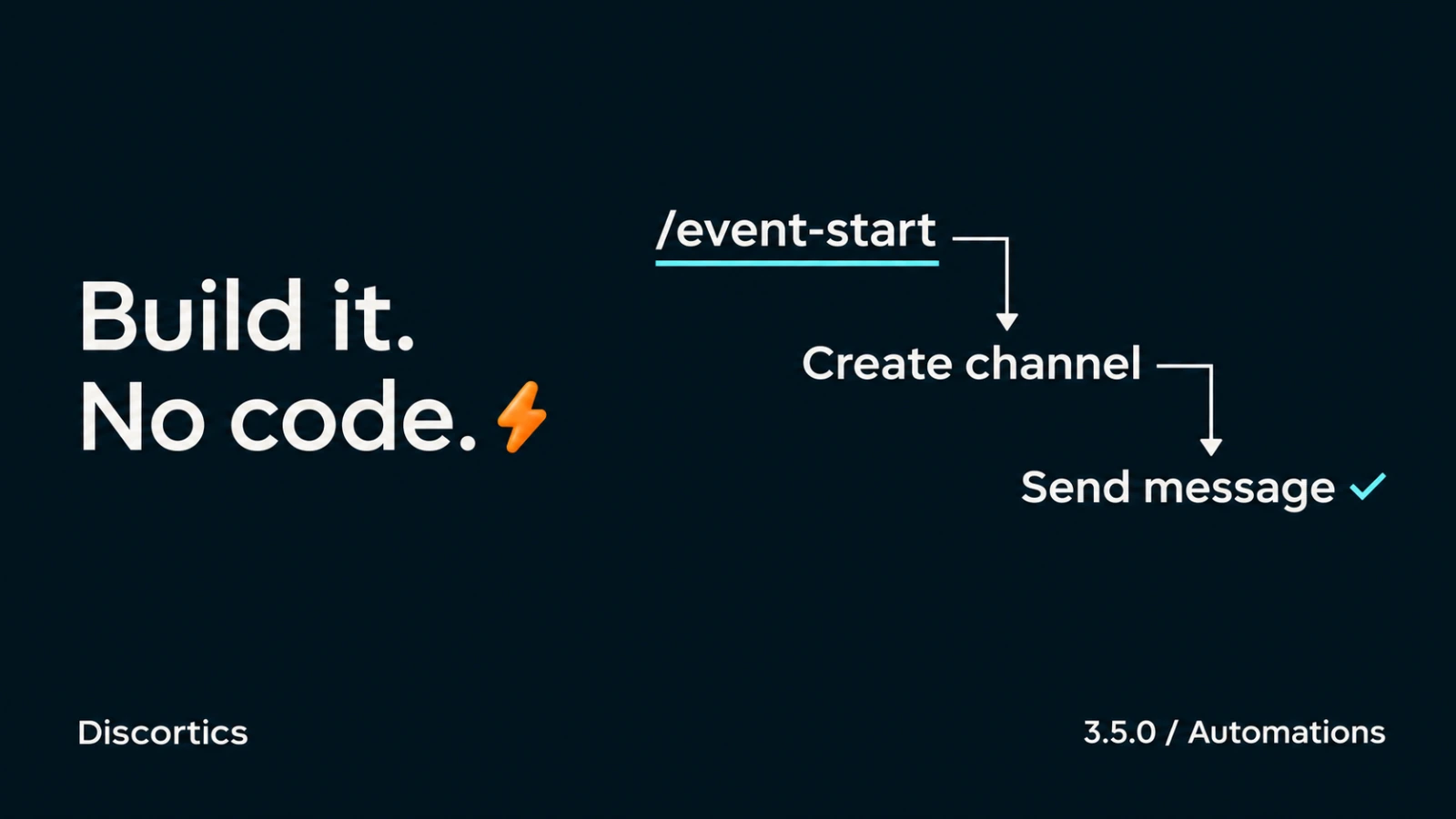
3.5.0 adds Automations: custom commands and scheduled jobs you build from visual steps, without writing code.
TL;DR
- Build your own commands: prefix or slash commands with real arguments, made from visual steps. 10 free custom commands.
- Put chores on a timer: scheduled workflows run on their own. 3 free automations, as often as every hour.
- Logic without code: conditions, variables, waits and random picks, with a run history that shows exactly what happened.
- Also new: set up most modules straight from chat with arguments, plus big upgrades to Economy, Applications, Tickets and Levels.
Your command, your words
Open Dashboard → Automations, hit New workflow, and pick a trigger: Message command, Slash command or Schedule. Then stack steps:
- Send message, using the same message builder as the rest of the dashboard: plain text, embeds or Components V2 with link buttons.
- Add or remove a member role, timeout a member.
- Create, edit or delete channels, create or edit roles.
- Rename the server or change its icon or banner from an image URL.
Commands can take up to ten arguments: text, numbers, members or channels. That means ;report @troll spamming in general actually understands who @troll is. Use {{variables.user.mention}} or {{variables.user.joinedAgo}} in your message, and the person running the command is available as {{event.user.mention}}. Slash commands register real Discord options, so members pick a user or channel from Discord's own menu instead of pasting IDs.
Lock commands to the roles and channels you choose, and give each member a cooldown so nobody can spam them. Built-in commands always win, so a custom command can never hijack /ban.
Logic, not just macros
You can add a bit of logic between the actions too:
- Condition: if the reason contains "scam", send it to the urgent channel. Otherwise, the normal one.
- Set variable: remember a value and use it later.
- Item from list: pick one of up to ten values at random, or go through them in order across runs.
- Wait: pause anywhere from one second to a day, then carry on.
For example, a schedule can rotate your server icon through a list of images every six hours. The Automations guide walks through that setup.
It tells you what it did
While a command runs, its reply updates live: Adding role…, Sending message…, then Done. Want it in your server's voice? Set custom activity text on any step.
On the dashboard, Run history shows every step, what it produced, and where something went wrong. If a run gets interrupted mid-action, it's marked Uncertain and never blindly repeated, so a hiccup can't send the same announcement twice.
Need to switch something off quickly from your phone? Open /automations (or ;automations) and use the workflow’s Disable button to pause it without opening the dashboard.
Guardrails we built in
A custom command is power you hand to your members, so we were strict about it:
- A workflow can never do more than the person who published it is allowed to do. Permissions and role positions are rechecked on every run, so demoting a mod disarms their workflows too.
- Commands that delete channels, edit the server, edit roles or time members out must be locked to specific roles.
@everyonedoesn't count. - Dangerous and managed roles can't be handed out. Content never pings unless you explicitly allow it.
- No custom code, no arbitrary web requests. Just typed, checked steps.
| Resource | Free | Prime | Custom |
|---|---|---|---|
| Custom commands | 10 | 25 | 50 |
| Automations | 3 | 10 | 25 |
| Steps per workflow | 5 | 10 | 10 |
| Active runs | 2 | 5 | 10 |
| Minimum schedule interval | 1 hour | 30 minutes | 10 minutes |
| Completed run history | 7 days | 30 days | 90 days |
Also new
- Settings from chat: most module settings now take direct arguments, like
;antiraid set --joins 10 --window 1mor;xp reward message add 10 @Regular. No arguments still opens the panel. - Economy: role salaries (3 on Free), optional money for chatting, adjustable beg/search/crime/rob rewards, and timed buff items in the shop.
- Applications: answer validation, custom accept and deny DMs, extra outcome channels, auto-deny when an applicant leaves, and a Create ticket button on submissions.
- Tickets: intake questions, support hours, customer close requests and ticket ratings, on every tier.
- Levels: design your own level-up and milestone reward announcements with the message builder.
Open Dashboard → Automations and try a small command first. A message to the mod channel is a good place to start.