

A custom command breaks and the mod who wrote it isn't around. You open the template, read it twice, and still aren't sure what to change. Probably leaving that one for them.
Discortics uses visual steps for custom commands and scheduled jobs. YAGPDB has dynamic commands, reaction roles, rule-based moderation, Reddit and RSS feeds, plus self-hosting. Here's what you'd gain and give up by switching.
TL;DR
- Logic anyone on shift can fix: visual workflows with run history replace templates only their author can read.
- Free to start: 10 custom commands, 3 automations, and 5 steps per workflow.
- Roles that get earned: gate grants by account age, tenure, level, messages or voice time.
- Where YAGPDB wins: self-hosting and Reddit and RSS feeds; Discortics covers YouTube, Twitch and Kick instead.
| Area | YAGPDB | Discortics |
|---|---|---|
| Custom behavior | Dynamic custom commands with several trigger styles | Visual custom commands and scheduled automations |
| Role selection | Reaction role menus and role commands | Reaction, button, and dropdown panels |
| Automatic moderation | Rules with violation thresholds and punishments | Autopilot controls for spam, floods, links, mentions, profanity, and raids |
| Feeds | Reddit, YouTube, Twitch, and RSS | YouTube, Twitch, and Kick notifications |
| Hosting choice | Open source; self-hosting is available | Managed Public, Prime, and Custom offerings |
Source: YAGPDB's official feature overview, checked November 12, 2026. Discortics workflow behavior and limits are in the Automations guide.
Logic anyone on shift can read
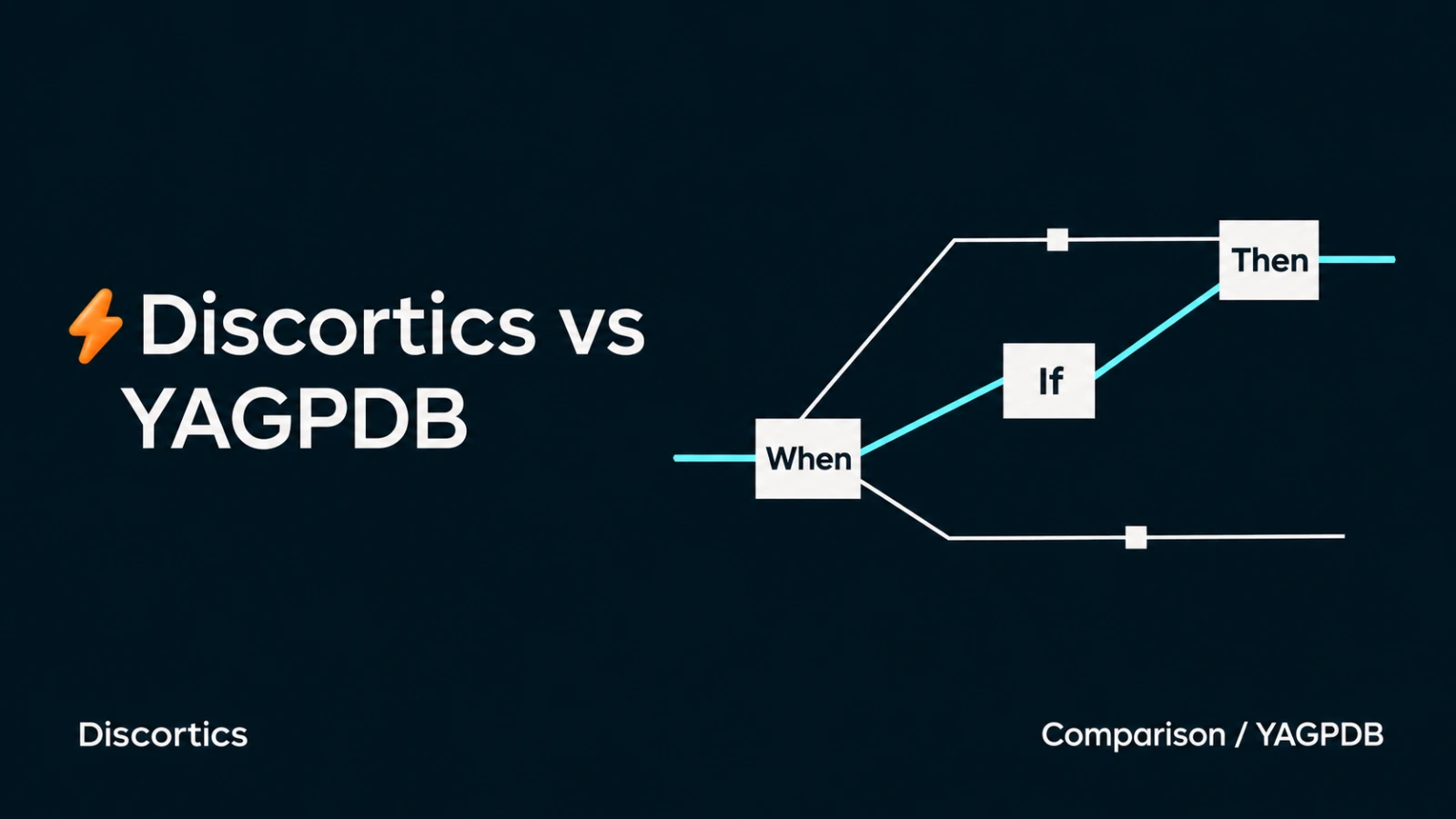
In Discortics, a custom command or scheduled automation is something you look at, not something you parse. The trigger sits at the top, the steps run down the page, and the conditions are spelled out. When it misfires, open the run history and see which step did what.
If a schedule overlaps another one, you can inspect the steps and run history to work out what happened. You don't have to read a template first.
Free includes 10 custom commands, 3 automations, and 5 steps per workflow. Custom commands run on message or slash-command triggers, automations run on schedules. Start with the handful of recurring jobs your server actually relies on and grow from there.
It's useful when staff change too. The next person can read the steps and run history without learning the previous mod's template first.
Roles that get earned, not grabbed
Self Roles gives you buttons, dropdowns and reactions, and you can gate any grant by account age, time in the server, level, message count or voice time, on top of allowlists and blocklists. Interest roles stay open to everyone. The "trusted" role waits until someone has actually shown up.
Those panels live next to Levels, Applications and Verification in the same dashboard, so the new mod finds everything in one place.
Be honest about what you'd give up
If you self-host YAGPDB or depend on its Reddit and RSS feeds, those matter, and Discortics notifications cover YouTube, Twitch and Kick instead. A YAGPDB template also doesn't convert itself into a workflow. List what your commands and feeds do before you switch, and rebuild deliberately.
Rebuild a small command first
Try rebuilding a small command with the Automations guide, then ask another mod to read through it. Comparing another custom-command bot? Read Discortics vs Carl-bot.