

TL;DR
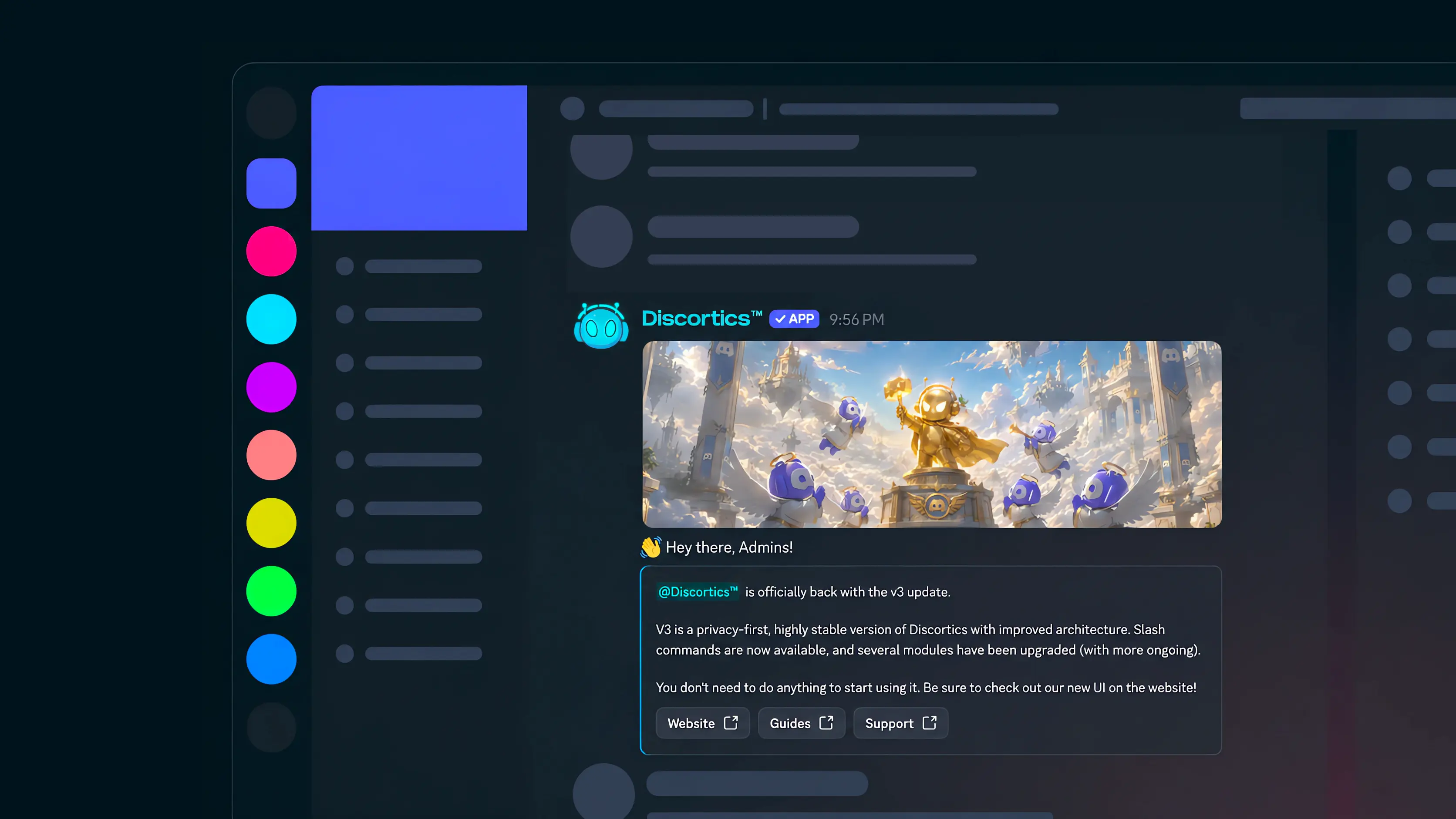
- Embeds have evolved: Build richer component-based messages with text, sections, media galleries, dividers, containers, and buttons instead of being limited to a classic embed.
- One builder, everywhere it matters: The same Components V2 message system now powers saved messages, application panels, ticket panels, welcome messages, and leave messages.
- Classic embeds are safe: Existing embeds and live panels continue to work. The legacy editor remains available while new V2 messages use the new builder.
- Find your next community: Browse published Discortics servers from the new public server directory.
- Guides are ready when you need them: Every module now has a clearer setup guide, with a quick-start checklist and detailed reference material.
- A Honeypot for scam accounts: Add a visible warning channel that automatically bans or soft-bans any non-bot member who posts there.
- Snipe, with guardrails: Staff can opt in to view the latest deleted message in a channel, with sensitive links and attachment details redacted.
Component-based messages, everywhere
3.0.4 moves Embeds to Discord's Components V2 message format. Build messages with text, sections, media galleries, dividers, containers, and buttons—without needing to work with raw payloads or component IDs.
The shared builder now powers saved messages, application panels, ticket panels, welcome messages, and leave messages. Each module keeps its own purpose: applications start forms, tickets open ticket options, and generic messages allow link buttons only.
Use the visual composer in the dashboard or /settings embed in Discord. Existing classic embeds and deployed panels remain unchanged, and the legacy editor stays available whenever you need it.
Find your next community
The new server directory makes Discortics Discover easier to explore. Browse published public servers in one place, then open any listing to see its full public profile and join when an invite is available.
Each listing includes the details that help you decide where to look next: the server's banner and icon, description, tags, and bump activity. Server owners can publish their own listing with /discovery and keep it current from the Discover dashboard.
Guides for every module
Discortics now has a clearer guide for every module and major setup area. Each guide starts with a practical Quick setup checklist, then keeps the full command reference, limits, warnings, and troubleshooting close at hand when you need more detail.
Visit Guides to learn how to configure Embeds, Autopilot, Discover, Tickets, Applications, and the rest of Discortics.
Honeypot: a visible trap for automated scams
Autopilot now includes a Honeypot for catching automated scam posts. From /autopilot antispam, open Honeypot, choose Ban or Soft Ban, then enable it. Discortics creates a public #honeypot warning channel designed to look like a tempting target to automated accounts.
Any non-bot member who posts there receives the selected action, and Discortics deletes that member's messages from the previous 24 hours. A Soft Ban removes the member, clears those messages, and immediately unbans them so they can rejoin. The Honeypot is separate from the wider Anti-Spam toggle, so it can protect your server on its own.
Because the action is immediate, keep the channel out of ordinary staff conversation and do not test it with real member accounts.
Snipe: useful context, kept private
The new Snipe command lets authorised staff view the latest deleted message cached for the current channel. It is disabled by default and is managed through /settings command target:snipe, so each server can decide exactly who may use it.
Snipe is intentionally narrow: it is not a permanent archive, cannot be used in the configured confession channel, and requires View Channel plus Read Message History. URLs, email addresses, attachment links, and attachment previews are redacted before anything is shown.
Start building
Open Dashboard → Messages to create a new Components V2 message, or start from the Applications, Tickets, Welcome, or Leave settings you already use. When you need a classic message, the legacy embed editor remains there for it.
Then, when you are ready to strengthen moderation, open /autopilot antispam for Honeypot and review /settings command target:snipe before enabling Snipe for your staff. To explore communities or learn any module, start with Servers and Guides.