
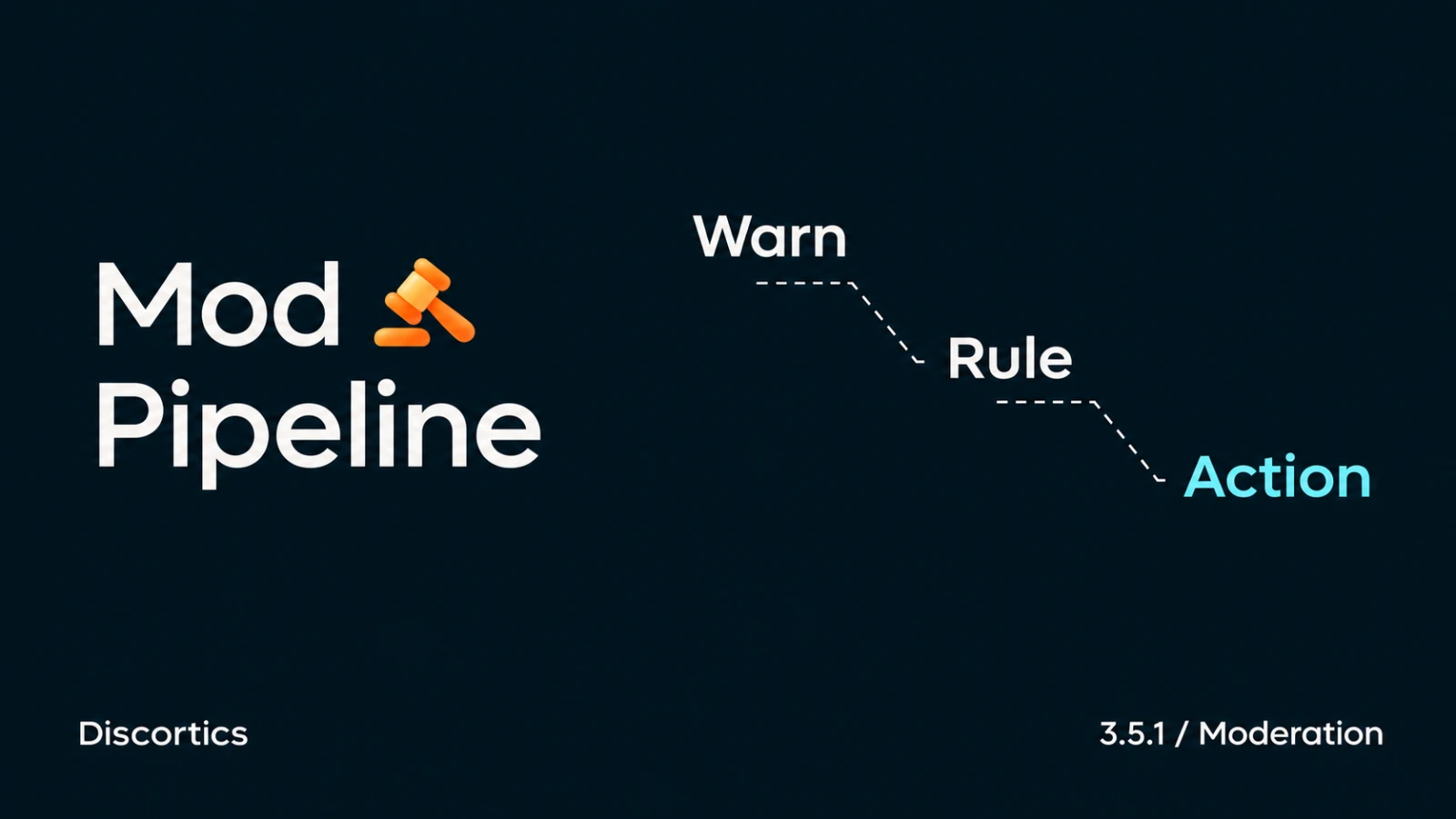
A warning is useful until someone has to keep counting them. Discortics 3.5.1 adds warning rules: choose how many staff warnings within a time window trigger a Mute, Timeout, Kick or Ban.
Automations also gets moderation steps, so a custom command can kick, ban, mute or purge. Applications and Verification can add and remove roles together, turning two role changes into one decision.
TL;DR
- Set your warning rules: choose a warning count, time window and action under Moderator → General. No rules are enabled by default.
- Swap roles in one go: Add and Remove lists per application outcome, and optional unverified-role removal in Verification.
- Moderate from a custom command: kick, ban, softban, mute and filtered purge, locked to Allowed Roles.
- More variables: server stats, member details and colors in workflows.
- Also: per-question time limits, 24-hour sticky delays, giveaway recovery and YouTube notifications are back.
Warnings with a next step
Open Dashboard → Moderator → General, or Punishments in /settings moderation, to add a warning rule. Choose how many staff warnings a member can receive within your chosen time window, then choose Mute, Timeout, Kick or Ban as the action when they reach that count.
Rules start empty. There is no default punishment ladder; you set the counts, windows and actions for your server. Staff still issue the warnings, and Discortics handles the configured follow-up.
One decision, both role changes
| Where | Before 3.5.1 | In 3.5.1 |
|---|---|---|
| Applications | Each outcome either added or removed roles | Accepted and Denied each have separate Add and Remove lists |
| Verification | Before-verification roles stayed until removed | Optional Remove unverified roles clears them |
Applications: open Manage beside Accepted or Denied in the dashboard, or the Accepted Role and Denied Role buttons in /application settings. Both lists share the existing role limit. If a role change fails, the decision waits and retries rather than half-finishing. Saved forms keep working as they are.
Verification: turn on Remove unverified roles in Verification → Setup → Logs and roles. Discortics adds the after-verification roles, then removes the before-verification ones. It applies to members who verify after you switch it on.
Moderate from a custom command
Discortics Automations now has Kick, Ban, Softban, Mute and Purge steps under Members, next to Timeout.
- Ban and Softban can delete up to seven days of messages, Discord's own limit (Discord docs).
- Mute uses your configured muted role, with an optional duration.
- Purge scans 2 to 1,000 recent messages and filters by member, links, bots, attachments, mentions, text or regex. You can exclude up to 100 members.
Discord won't let bots bulk delete messages older than two weeks (Discord docs), so purge skips those and counts them in Run history.
Any command using these steps must have an Allowed Role. Permissions and role position are checked again when each step runs.
Who a workflow runs as
This changes something we said in 3.5.0. Published workflows now run under the server's published configuration, not the publisher's current roles. If the mod who built ;report is demoted or leaves, it keeps working. Editing still needs a current bot manager, and Allowed Roles still apply to whoever runs it. When someone leaves your team, review the workflows they published.
More to build with
- Server variables:
{{guild.name}},{{guild.memberCount}},{{guild.nonbotCount}},{{guild.boostCount}}and more. A schedule can keep a stats channel name up to date. - Member details:
nickname,displayName,isBot,boostStatusand boost dates, for the person running the command and any Member argument. - Colors: role and embed colors accept
#RRGGBBor a variable. - Tidier commands: pick a reply, emoji or silent progress indicator, and optionally delete the trigger message.
- Module steps: open a ticket, start a giveaway from a template, start an application or change a nickname.
Also changed
- Applications: set a response time per question, from 30 seconds to 10 minutes. Restrictions gets Add requirement for level, messages, invites, voice time and account age.
- Giveaways: if the message is deleted, staff can draw from the recorded entries or delete the giveaway from the dashboard End dialog.
- Sticky messages: delay goes up to 24 hours on every plan.
- Tickets: staff who opened a ticket keep their staff controls.
;tmove tier2matches part of a category name. - Notifications: YouTube is back in
/notifications. - Permissions:
warn,remove-caseandcasesnow need Moderate Members. - Fixes: paginated
/help, Economy currency emojis and safer Anti-Nuke recovery snapshots.
FAQ
Can a Discortics custom command ban or kick members?
Yes. Discortics Automations 3.5.1 adds Kick, Ban, Softban, Mute and Purge steps. Commands using them must be restricted to at least one Allowed Role.
Does a Discortics automation stop when its publisher loses their role?
No. Since 3.5.1, published workflows run under the server's configuration rather than the publisher's current permissions.
How do I remove the unverified role after verification?
Turn on Remove unverified roles in Discortics Verification → Setup → Logs and roles.
Got a mod command you still run by hand? Rebuild it in Dashboard → Automations and lock it to your mod role. The Automations guide lists every step and variable.